
Yes, an AI receptionist pays for itself for most small service businesses within a few months, mainly by capturing calls that would otherwise go to voicemail and never get returned. It cuts missed-call rates, replaces a chunk of receptionist overhead, and keeps logging job details around the clock. For Irish trades and small firms, Ciara from Nevermissacall builds that capability specifically for the kind of urgent, job-driven calls plumbers, electricians, and similar trades receive daily.
TL;DR:
- An AI receptionist can recover missed calls outside business hours, often paying for itself within a few months by capturing urgent, job-driven inquiries.
- It integrates with existing calendars and CRMs to book appointments, log details, and flag emergencies, reducing reliance on human staff for routine tasks.
- The cost is mainly a predictable subscription fee that typically outperforms the actual expenses of a full-time receptionist, especially considering employer costs.
- Businesses with high after-hours demand, such as plumbers or electricians dealing with urgent issues, see the most immediate return on investment.
- Hybrid setups are advisable for low-volume or highly judgment-dependent calls to avoid frustration and ensure proper call routing.
Table of Contents
- How does an AI receptionist actually work?
- What are the main benefits for small businesses and trades?
- How much does an AI receptionist cost, and what's the payback?
- How do you set up an AI receptionist for your business?
- Which industries see the fastest returns from AI receptionists?
- Where might an AI receptionist not be the right choice?
- How does Ciara (Nevermissacall) address these needs directly?
- When should you actually adopt one?
- Ready to stop losing jobs to missed calls?
- Sources
- FAQ
How does an AI receptionist actually work?
Under the surface, an AI receptionist is a stack of fairly ordinary technologies wired together to do one job well: hold a proper conversation on the phone and act on what it hears. A voice model handles the actual speech, converting the caller's words into text and generating a natural-sounding reply. Natural language processing then works out what the caller actually wants, whether that's booking a job, asking about pricing, or reporting a burst pipe at 11pm. Modern voice systems have got noticeably better at sounding human and handling accents or multiple languages, which matters more than people expect. A stilted, robotic voice loses callers fast.
Behind that conversation sits a knowledge base built from the business's own information: service areas, pricing bands, opening hours, common questions, and the specific vocabulary of the trade. This is what stops the system giving generic answers. A plumbing business needs the AI to recognise the difference between "my tap's dripping" and "water's coming through the ceiling," and respond to each with the right urgency.
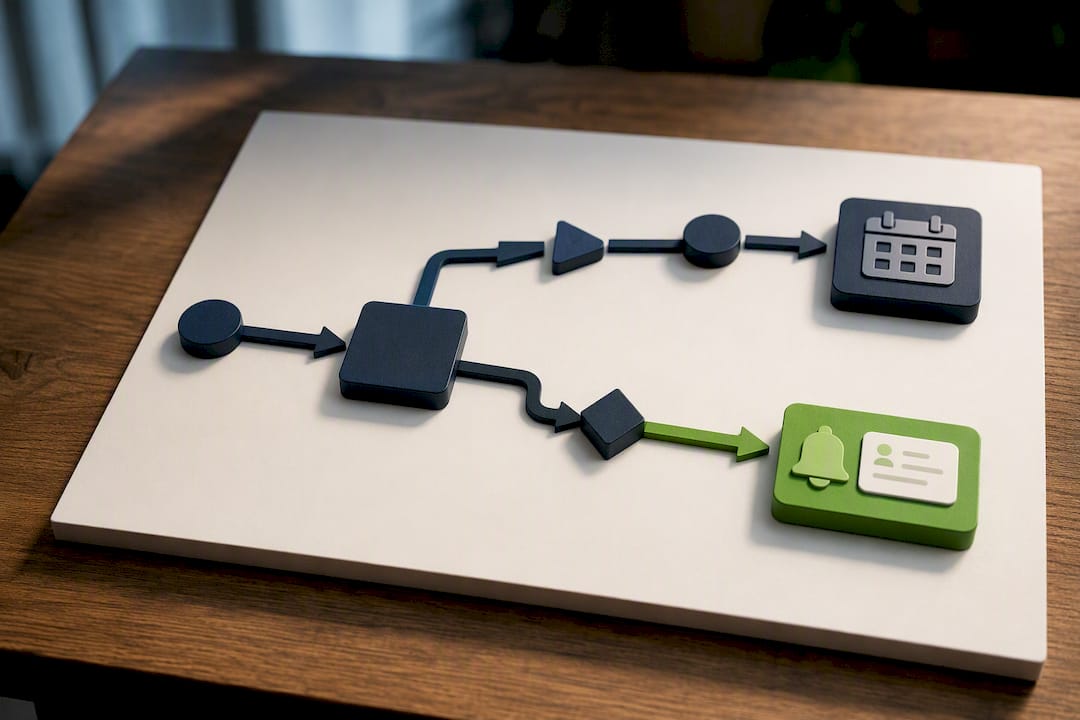
The system doesn't just answer. It acts. Depending on setup, it can:
- Book an appointment directly into a connected calendar
- Log the caller's name, address, and problem description
- Send a text confirmation to the caller
- Flag an emergency and text the business owner immediately
- Route or transfer the call to a human when the rules say so
Salesforce frames this action-oriented behaviour as the core distinction between an AI receptionist and a basic answering service: booking, qualifying, and routing, not just picking up. Integrations with CRM and calendar tools are what make that possible; without them, the AI is just a fancier voicemail.
Humans stay in the loop through rule-based escalation. A business owner defines what counts as urgent (a gas leak, a flood, a security alarm) and the AI follows that logic every time, without fatigue or inconsistency. When a call meets those criteria, it triggers a warm handoff or an immediate text alert with context attached, so nobody has to repeat themselves.
Setup timelines vary with how ready the knowledge base is. A business with clear pricing, service areas, and FAQs documented can be live within days. One starting from scratch, building out every trade-specific scenario, might take a couple of weeks to get the responses tuned properly.
What are the main benefits for small businesses and trades?
The value breaks down into six areas that matter to anyone running a phone-dependent business, and they compound on each other rather than working in isolation.
- Fewer missed calls, more captured leads. A plumber on a roof or an electrician mid-job can't answer the phone. An AI receptionist can, at any hour, which matters because inbound leads have a short shelf life and speed of response is one of the biggest levers on whether a lead converts at all.
- Lower cost than a full-time receptionist. A subscription fee is predictable. A hire involves a salary, statutory benefits, holiday cover, training time, and turnover risk, and it disappears the moment call volume dips.
- Staff time redeployed to paying work. Every minute a tradesperson or office manager spends on routine call triage is a minute not spent on the tools, the job, or the next quote.
- Consistent, on-brand answers every time. A tired or distracted human can give inconsistent pricing or forget to ask a key qualifying question. The AI asks the same structured questions on call one and call one thousand.
- Analytics that actually inform decisions. Call volume by hour, common questions, and peak demand periods turn into real data for staffing and marketing decisions rather than guesswork.
- Scalability without a hiring decision. A seasonal spike, a marketing campaign, or a burst of referrals doesn't require finding, training, and paying a temp. The system absorbs the volume.
Statistic callout: Generative AI is projected to lift productivity growth materially across service-heavy sectors over the coming years, which is the macro trend sitting underneath the individual case for adopting an AI receptionist rather than a one-off vendor claim.
The staffing point deserves a beat longer. Many owners underestimate what a receptionist actually costs once you add employer contributions, sick leave, cover during holidays, and the ramp-up time for a new hire to learn the business. That gap between perceived and actual cost is exactly where an AI receptionist looks most attractive on paper, and usually holds up in practice too.
Pro Tip: Pull your call logs for the last three months before you evaluate any AI receptionist. If a fifth or more of your inbound calls happen outside office hours, that's your clearest signal the case for 24/7 coverage is strong.
The consistency benefit compounds with trust. A caller who gets the same clear answer about call-out fees whether they ring on a Tuesday morning or a Sunday night starts to trust the business more, and trust converts to bookings faster than any discount ever will.
How much does an AI receptionist cost, and what's the payback?
Pricing in this category typically follows a simple shape: a one-off setup fee to build the knowledge base and connect integrations, then a recurring monthly subscription. There's rarely a per-call or per-minute charge, which matters because it means your cost stays flat even during a busy month, unlike a temp or overtime hours for existing staff.
Compare that with the loaded cost of a human receptionist, which stacks a base salary with employer contributions, holiday pay, sick cover, and recruitment costs if the role turns over. Industry cost comparisons consistently show AI receptionist subscriptions landing well below that loaded figure for a single hire, particularly once you factor in that the AI never takes a sick day or a holiday.
A straightforward way to check whether the maths work for your own business:
- Step 1: Estimate your missed-call volume. Pull three months of call logs, or estimate from voicemail counts, and work out how many calls go unanswered per week.
- Step 2: Assign a value. What's an average job worth, and roughly what share of answered enquiries turn into paid work? Multiply missed calls by that conversion rate and average job value.
- Step 3: Compare the annual subscription cost against that recovered revenue, plus whatever you'd otherwise spend on a human receptionist or your own after-hours time.
The businesses that see the clearest payback tend to have meaningful after-hours or overflow demand: emergency plumbing, electrical call-outs, pest control, and similar trades where a missed call at 9pm is a missed job, not just an inconvenience. A business answering fewer than a handful of calls a day, with almost no after-hours demand, will see a thinner case, though the consistency and analytics benefits still apply.
One caveat worth flagging honestly: integration complexity varies. A business with a modern calendar and CRM connects in days. One running on paper diaries or a bespoke legacy system may need extra setup time, and regulated sectors handling sensitive personal data may need additional configuration before go-live.
How do you set up an AI receptionist for your business?
Implementation is more predictable than most owners expect, and it follows a fairly fixed sequence regardless of trade.
- Define intents, FAQs, and escalation triggers. List the ten or so questions callers ask most often, your pricing structure, and exactly what counts as urgent versus routine.
- Prepare access for integrations. Get your calendar system, CRM (if you use one), and existing phone number ready for connection. Most providers can route your current number without requiring a new one.
- Test edge cases. Run through unusual scenarios: a caller with a strong accent, someone describing a problem vaguely, a genuine emergency mixed in with routine enquiries.
- Soft launch and monitor. Run it alongside your existing process for a week or two, watching call transcripts and outcomes before fully switching over.
Before your first demo, have your average monthly call volume, your three or four most common customer questions, and details of your current calendar or booking system ready. A good vendor will walk through sample transcripts and show you exactly how an urgent call gets flagged.
Pro Tip: Feed the knowledge base your actual call recordings or voicemail transcripts from the last month rather than writing FAQs from memory. Real customer phrasing catches gaps a tidy internal document never will.
For most small businesses, a minimal viable setup covering the top ten questions and clear escalation rules is enough to go live and start capturing value, with refinement happening over the following weeks.
Which industries see the fastest returns from AI receptionists?
The benefit concentrates wherever a missed call directly costs money, and thins out where calls are low-stakes or infrequent.
- Home services and trades (plumbing, electrical, HVAC, locksmiths) see the sharpest returns because after-hours emergencies convert to bookings at a high rate if someone answers fast enough.
- Healthcare and dental practices benefit from consistent appointment intake and reduced no-shows through automated confirmations, though clinical questions still need a human.
- Hospitality and small hotels use it for reservation handling and availability checks outside reception hours.
- Staffing and recruitment firms use it for first-pass candidate screening, logging basic details before a recruiter follows up.
A concrete scenario: a burst pipe at 10pm. The homeowner calls three plumbers. Two go to voicemail. The third has an AI receptionist that answers, confirms the address, flags "burst pipe" as urgent, and texts the owner immediately. That owner calls back within ten minutes and gets the job. That's the entire value proposition in one phone call.
Very low-volume businesses, or those where nearly every call needs a nuanced human judgement, may find a lightweight hybrid model works better than full automation.
Where might an AI receptionist not be the right choice?
An AI receptionist handles routine, high-volume interactions well. It's the wrong tool where a call demands clinical judgement, legal advice, or genuine emotional sensitivity that no script can anticipate. A caller describing a medical emergency needs a person, not a triage script, and a legal enquiry about someone's specific circumstances needs a solicitor's judgement, not an FAQ response.
There are practical risks worth naming too:
- A thin or poorly built knowledge base leads to generic, unhelpful answers that frustrate callers.
- Missing integrations mean bookings don't actually land in the calendar, creating double work.
- Callers who don't realise they're speaking to an AI can feel misled if the experience isn't transparent about what it is.
The fix for most of these is a hybrid model with clear handoff rules: the AI handles the routine 80%, and anything outside its defined scope routes straight to a human, with full context attached so nobody starts from zero.
Pro Tip: Write down your escalation rules in plain, specific language before setup, not vague terms like "urgent." Define exactly which words or situations trigger an immediate alert, so the AI's judgement matches yours.
How does Ciara (Nevermissacall) address these needs directly?
Ciara is built specifically for Irish businesses, which matters because most AI receptionist tools are designed generically and then adapted. Ciara starts from the trade-specific problem: a tradesperson mid-job who cannot answer the phone, and a caller who will ring the next number on the list if nobody picks up.
Ciara's core functions map directly onto the benefits covered above:
- Answers missed calls and gathers the caller's name, address, and problem description
- Identifies emergencies and flags them so the business owner can call back fast
- Texts job details directly to the owner, so nothing gets lost in a voicemail transcript
- Tailors responses to the specific trade, rather than a generic script
- Sets up with an existing phone number, with no app installation required
- Records calls for reference and quality checks
Typically, a demo walks through how the AI receptionist would handle a sample call for your trade, using example pricing and service area information, so you can hear the experience before committing.
When should you actually adopt one?
For any small business with genuine phone-driven demand, the case to trial an AI receptionist now is strong, particularly if a meaningful share of your calls happen outside office hours or during jobs. The maths tends to work quickly once you count what a missed call actually costs, not just in the lost job but in the customer who never calls back. Where I'd push back on the hype: businesses with very low call volume or heavily judgement-based enquiries should lean hybrid, not full automation, and treat the AI as a safety net rather than a replacement for a person who knows the business inside out. If your call logs already tell you missed calls are bleeding jobs, that's your signal to book a demo rather than keep debating it.
— Bartek
Ready to stop losing jobs to missed calls?
An AI receptionist service can be a direct alternative to hiring a receptionist or letting calls go to voicemail: instead of a salary, holiday cover, and training time, you get a solution built specifically for trades that answers calls, flags emergencies, and texts job details promptly. The AI receptionist not only logs messages but asks relevant questions for the trade and helps ensure a prompt callback to customers.
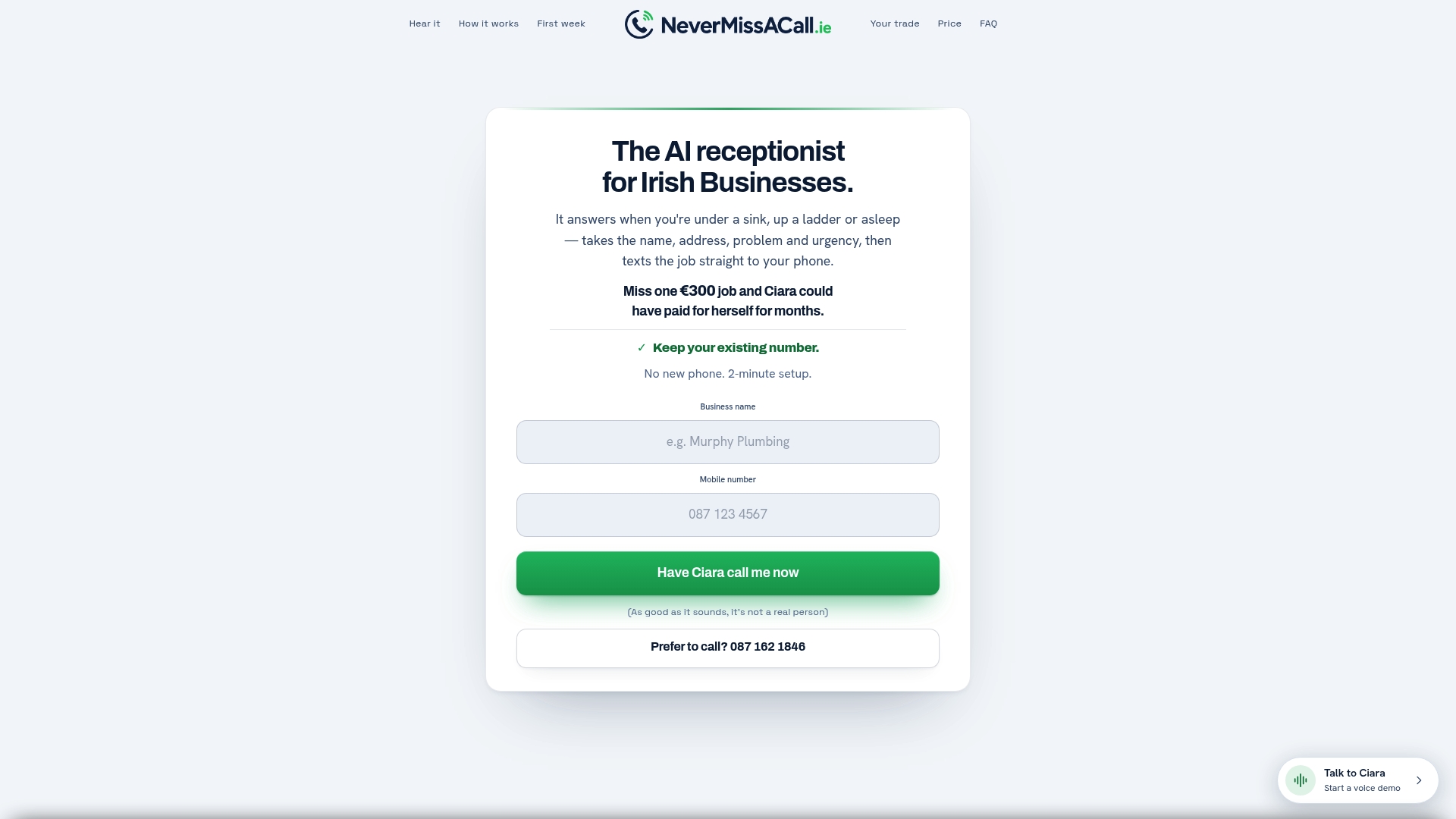
Before booking a demo, have your rough monthly call volume ready, your most common customer questions, and details of whatever calendar system you currently use for jobs. The Ciara demo walks through exactly how she'd handle a real call for your trade, using your own pricing and service area, so you hear it working before you commit to anything. If missed calls are costing you jobs, that's the next step to take.
Sources
- Projected impact of generative AI on future productivity growth — Wharton Budget Model
- The short life of online sales leads — Harvard Business Review
- AI receptionist overview and use cases — Salesforce
FAQ
How much is an AI receptionist worth to a small business?
The value depends on your missed-call volume and average job value, but for trades with regular after-hours demand, recovering even a handful of jobs a month typically covers the subscription cost several times over.
What are the main benefits of using AI in customer service?
The clearest gains are 24/7 availability, faster response to leads, lower cost than a full-time hire, consistent answers, useful call analytics, and the ability to scale without hiring.
Will AI replace human receptionists entirely?
Unlikely for most businesses. AI handles routine, high-volume calls well, but situations needing judgement, empathy, or regulated advice still need a human in the loop through clear handoff rules.
What does an AI receptionist actually do on a call?
It answers the phone, identifies what the caller needs, books appointments where relevant, logs key details like name and address, flags emergencies, and texts the business owner with the job information, as Ciara does for Irish trades through Nevermissacall.
Is an AI receptionist suitable for a small plumbing or electrical business?
Yes, trades with after-hours or emergency demand tend to see the fastest returns because a missed call at night is often a lost job, and prompt call answering is one of the biggest factors in whether an inbound enquiry converts at all.